
Opura Select
Find the keepers.
A glance, a different smile. Compare similar shots and find the ones you want to keep. Send your selection straight to Photo.
Explore Select
You caught the moment. Make something of it: a photo to keep, a film to share. Three apps for your Mac.
Discover the apps

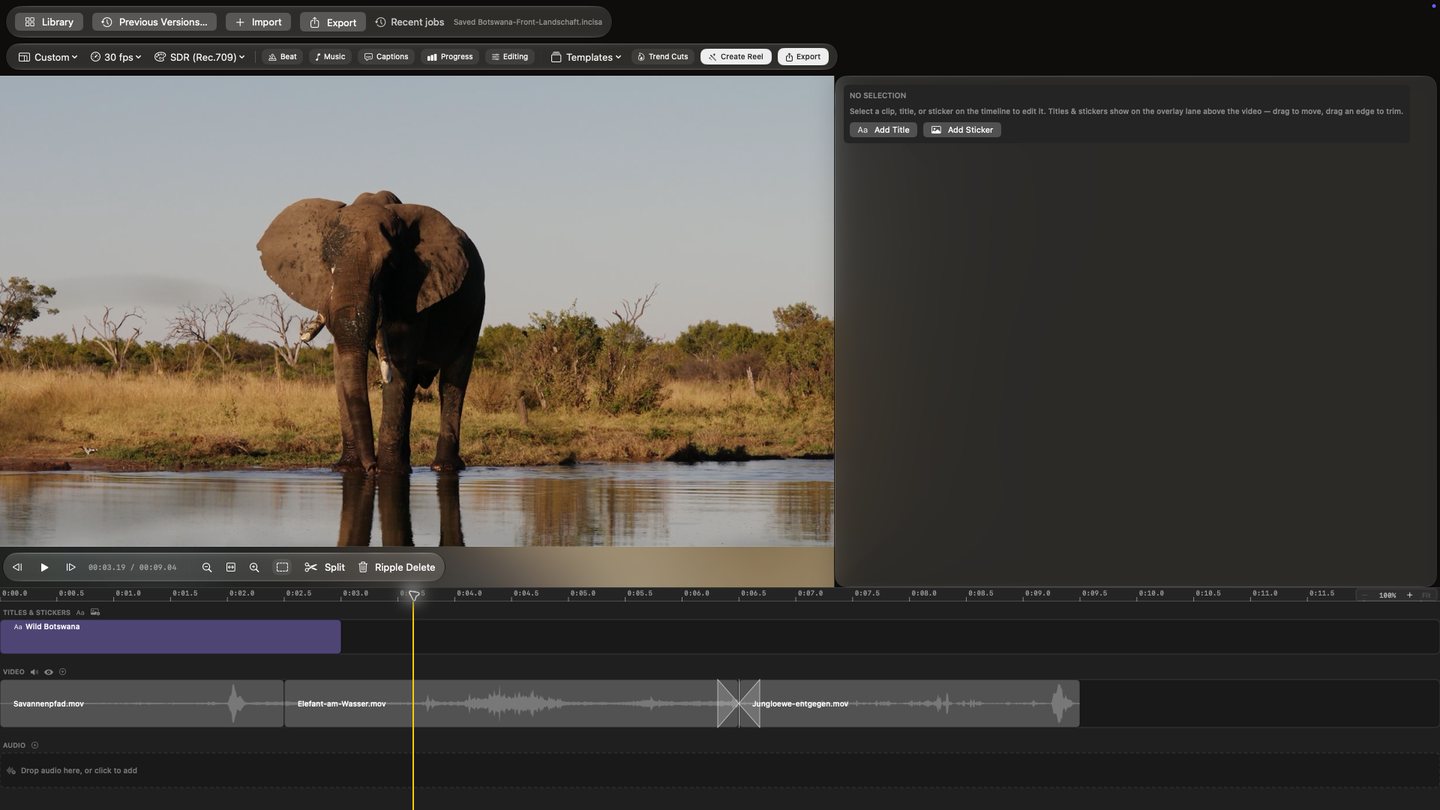
Real app captures. Video is shown in English. Select the image to explore the app.
For Macs with Apple Silicon · macOS 26 or later
What would you like to do?
Your favourite photo might be among a hundred others. Your film might need a finishing touch. Start wherever you are.
Find the keepers.
A glance, a different smile. Compare similar shots and find the ones you want to keep. Send your selection straight to Photo.
Explore SelectYour photo. Your look.
Bring back the warm evening light, or give your photo a different mood. Shape the light and colours while keeping your original intact.
Explore Photo
Your moments. One story.
Let a shot linger. Let a cut land on the beat. Set the pace of your film, from a travel story to a short reel.
Explore Video
AI assistant
Your AI assistant talks directly to Opura Select, Photo and Video. The connection to the app stays on your Mac; you switch it on in the app’s settings, and your assistant may only change things once you allow it for the current connection. Big changes run only with a separate permission and your confirmation for each call, and every call to the app’s tools is listed in the app’s log.
Try it: tap a request.

Schematic: the flow is staged, the app views are real captures – not a recorded session.
All tools, permissions and setupEasy to get started
7 days free with your own photos and videos. No credit card. No automatic purchase.
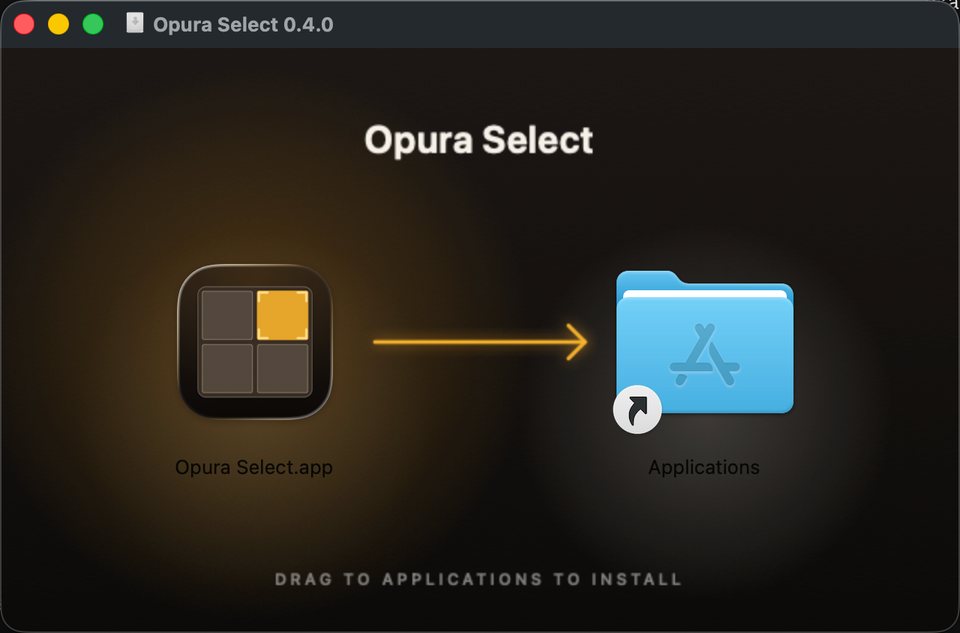
Choose your app. No account needed to download.

Sign in when you first open the app, or create your Opura account.
Open the app and sign in or create an account. The app will show you the next steps for activation.
For Macs with Apple Silicon · macOS 26 or later
Pricing
12 months at a time. Less when you renew.
30-day money-back promise from purchase.
System requirements
Opura Suite
Made in Switzerland. For the images that matter to you.


